Documentation
- Getting Started
- Deployment and First Run Configuration

- Data Privacy and Routing
- Administration
- Enterprise Search Connectors
- AI and Query Pipelines
- Search Engines
- UI, MCP, Agents and Bot Integrations
- Backup and Restore Concept
- Software Updates and Upgrade
- Releases and Release Notes
- Developer Resources
Basic Authentication
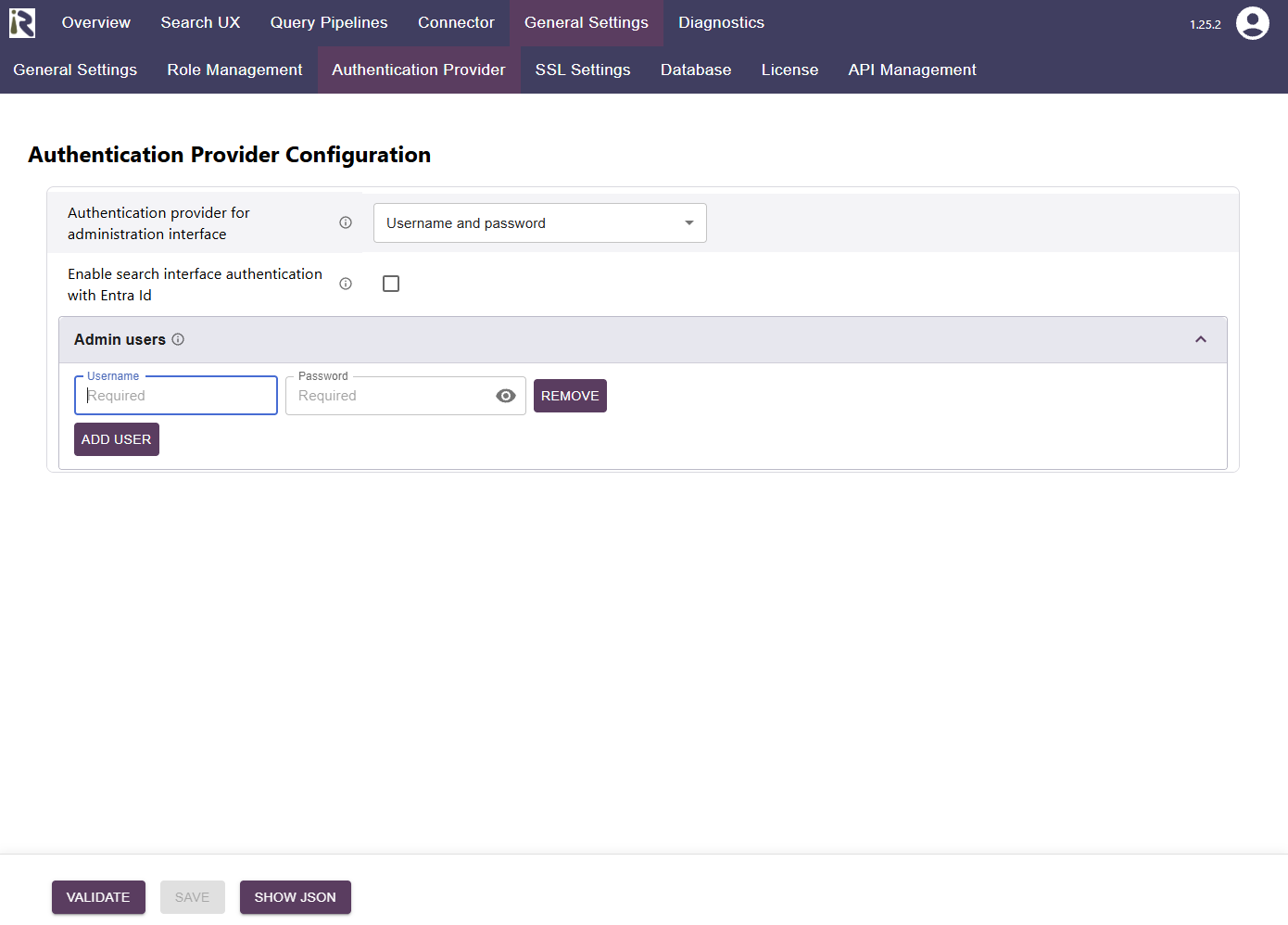
The admin interface can be secured via basic authentication. This allows for providing multiple usernames and passwords. Users who should not have access to the interface anymore, can be retracted by removing them. Afterwards, they cannot login anymore.
You can configure it as follows
Authentication provider: Username and password
Admin users: here you can add new usernames and passwords.
If you add users later on, please note that passwords are not mirrored back to the Admin interface and these users remain unchanged, unless you add a new password
Please note that passwords are hashed on Suite-side and we use session cookies to maintain user sessions after logging in.