
Why Classical Search Often Still Matters
January 7, 2026
There are many classical search use cases which complement AI and chat bots. In this post, we give a brief overview on such use cases, where users love enterprise search and love working with classical blue links.
In particular, the following outlines prominent use cases for classical search which Claude, Copilot, Open WebUI and other AI tools cannot solve reasonably.
Retrieving “Lost” Documents
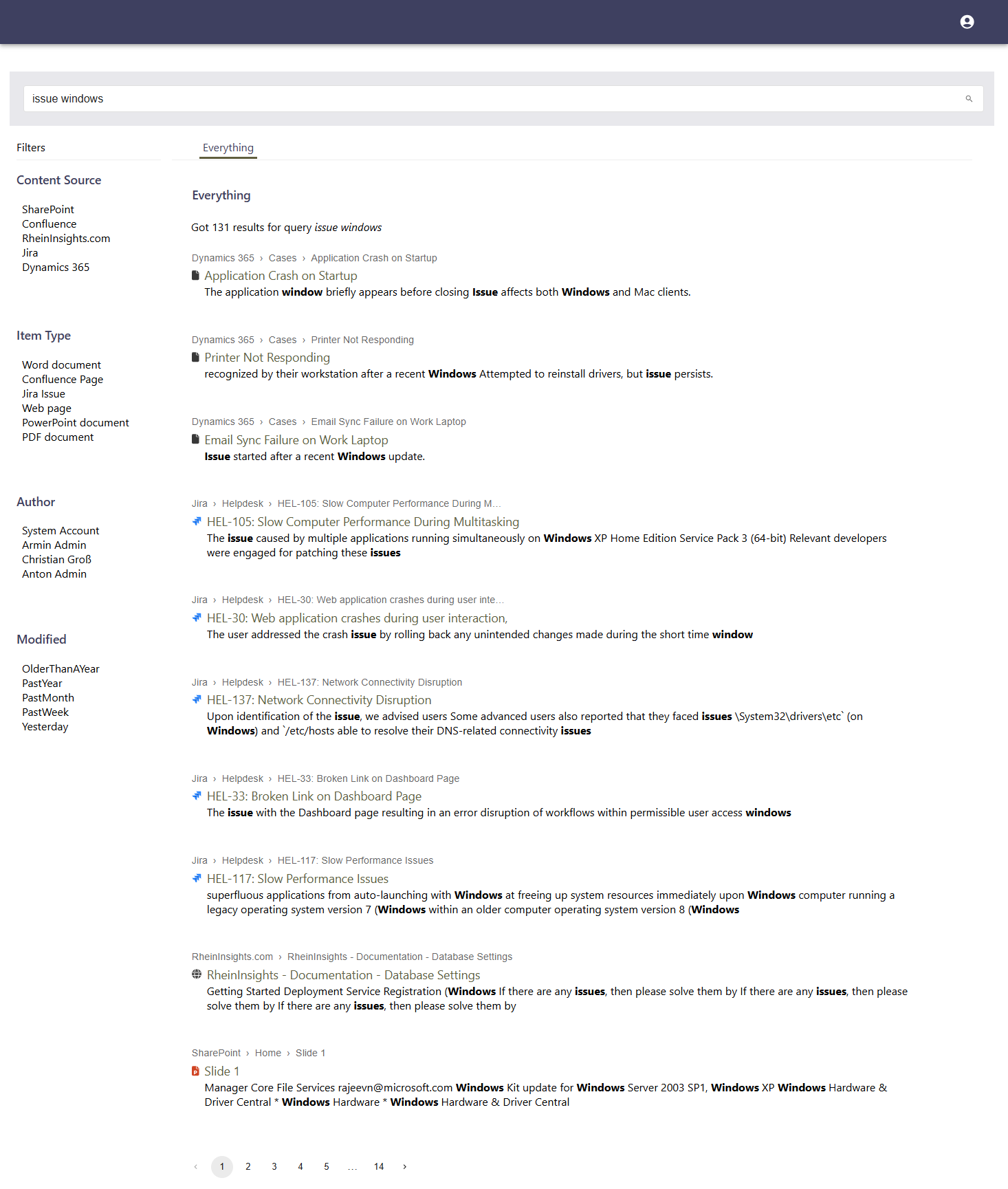
Just recently, we supported a customer as important colleagues knew that they created new documents but they apparently got lost right afterwards. The first level support had a hard time, as the documents were neither part of the recycle bins of M365, nor at Windows. So where were they gone and how to find them?
The solution is extremely simple. Within the enterprise search and the right keywords the user directly retrieved the documents and understood where they were stored. This understanding helped the user to navigate to the document and to reorganize the project structure so that the “lost” documents were well usable again.
Navigation - Google Maps for IT Applications
Even though AI is awesome, sometimes it is hard to digitally get from A to B. In fact, in (multi-) project work, a lot of time gets lost as users need to navigate and do it manually.
Even worse, in large organizations there are so many applications and project spaces that you cannot add all of these as bookmarks. In fact, thousands of people managing their own bookmarks is a huge waste of time.
So static quick links or, even better, dynamic type-ahead widgets help users to easily get to project spaces or to important tools. This comes without the need to bookmark them.
Such a type ahead works as follows. As part of your (intranet) search box, you show project spaces and bookmarks based on the characters and first words the user enters in the input box and based on the search APIs. If this is what the users is searching for, he or she can click on the link in the drop down. If not, then hitting return brings the user to the enterprise search itself.
Education and Onboarding
For complex projects, which last e.g. longer than a few months but years, there usually is a lot of important material that newcomers but also project members which only focus on partial aspects must access. Thus, just providing a neat folder structure might not be enough. Also, in our opinion, it is not enough to gain AI answers. But for great project work it is also of paramount importance to understand which knowledge, which material exists and where it resides.
In turn, intelligent enterprise search helps newcomers and project workers to quickly get up to speed. Knowledge can be found and with a good search interface, users directly understand, where knowledge is coming from and in which context it stands.
Research
AI gives great knowledge overviews and e.g. Copilot is particularly strong with internal knowledge. However, many researchers and knowledge workers still tend to access information on their own. They try to separate internal from external knowledge and compile their own summaries and documents.
In this case, a classical enterprise search as well as web search is of great help, as contexts become visually much clearer and one can more easily open the relevant documents.
Browsing, Understanding and Challenging of Knowledge
Many knowledge workers still tend to not only rely on AI to summarize documents and to generate answers. But they want to see the original information with their own eyes. Even though this behavior declines, there is a broad user group which analyzes documents on their own and collects their own insights. Thus, a classical blue link search supports this behavior.
Why to Use the RheinInsights Retrieval Suite?
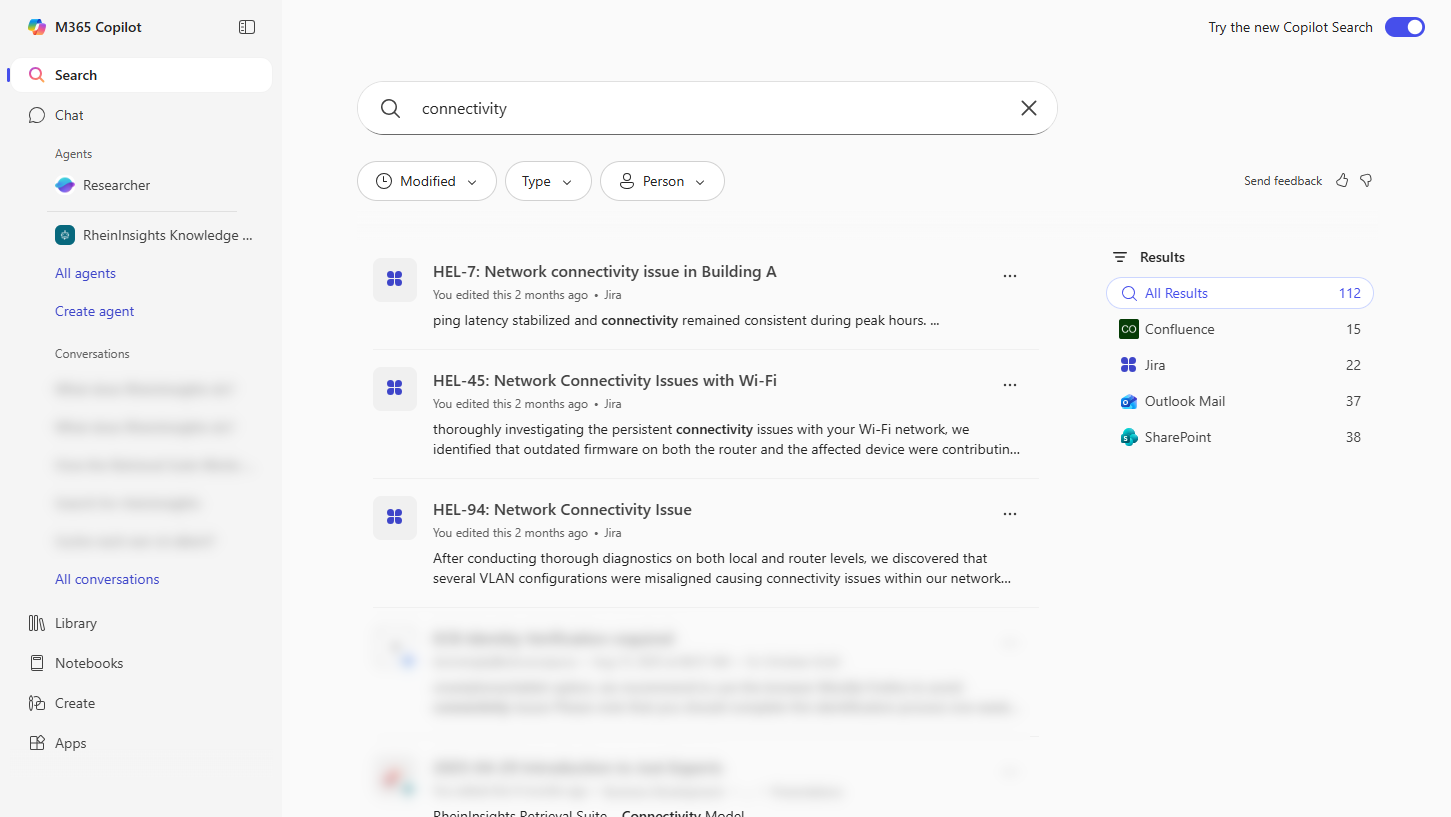
The RheinInsights Retrieval Suite brings its own enterprise search interface but is also fully compatible with other technologies, such as Squirro Insight Engine with its particularly strong search interface, Microsoft Search and other technologies.